![smaller logo.jpg]](https://help.landscapehub.com/hs-fs/hubfs/smaller%20logo.jpg?height=40&name=smaller%20logo.jpg)
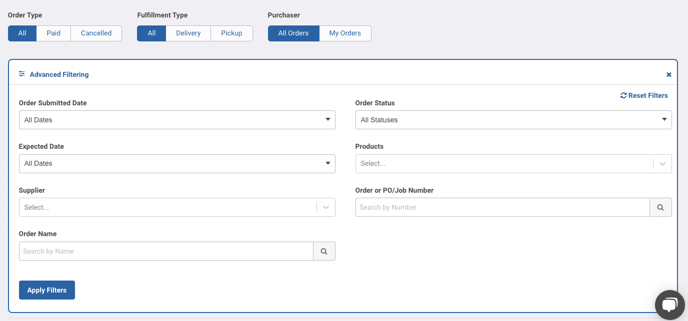
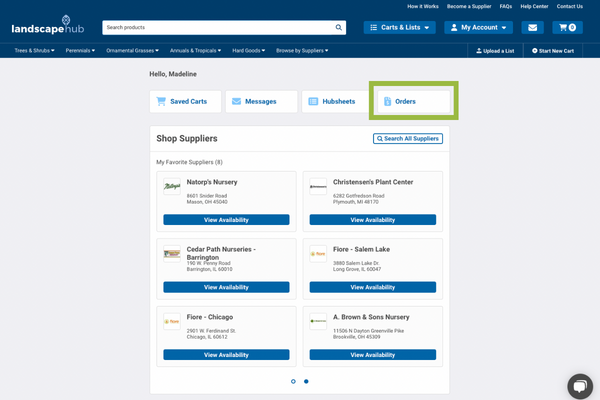
You can view open, paid, or canceled orders on your Orders Dashboard.
Use Advanced Filtering to filter your orders by submitted date or expected date, supplier, status, products, order/PO number, and order name. You can also export reports with your filters applied. Hit the ‘Export’ button and select the best export option for your needs.