![smaller logo.jpg]](https://help.landscapehub.com/hs-fs/hubfs/smaller%20logo.jpg?height=40&name=smaller%20logo.jpg)
To change the view from Market to Supplier, select from the dropdown menu on the blue bar on your HubSheet table.
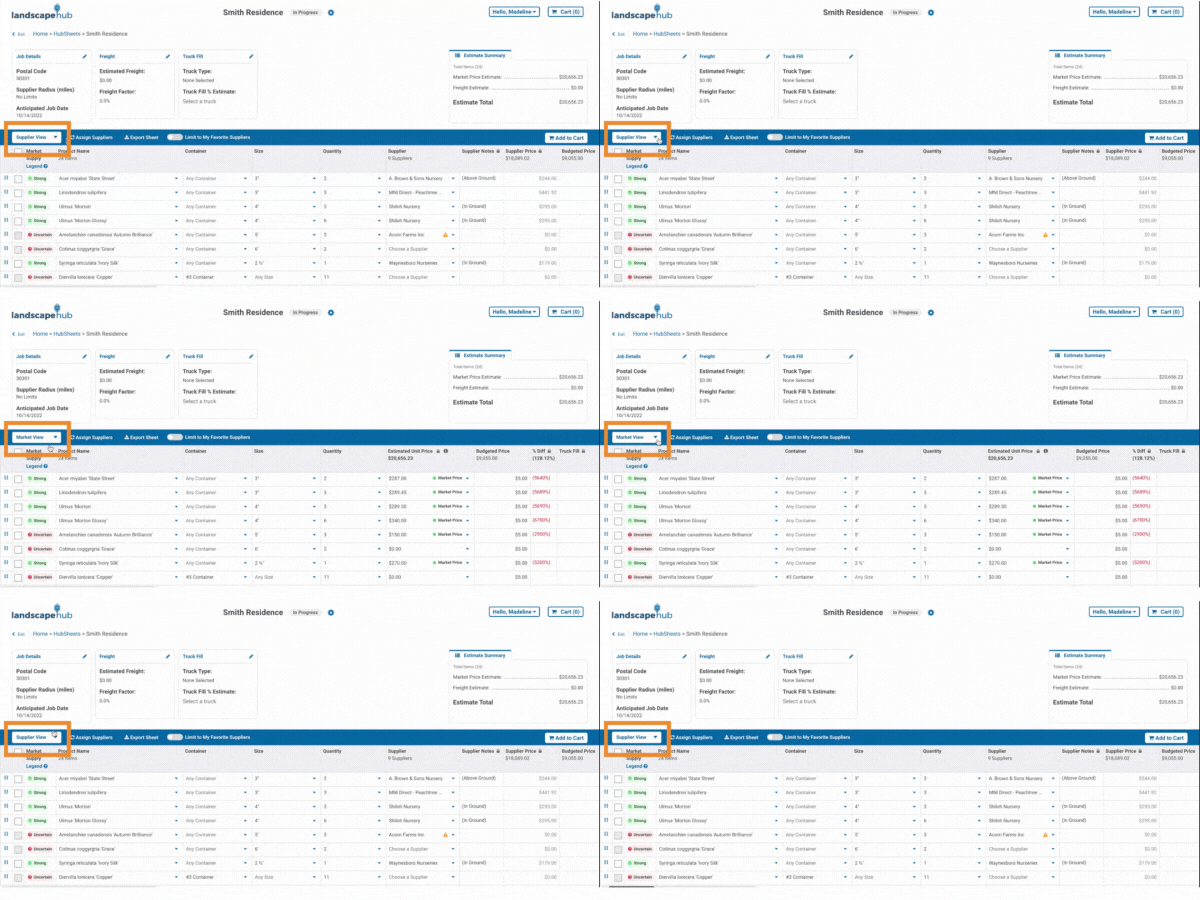
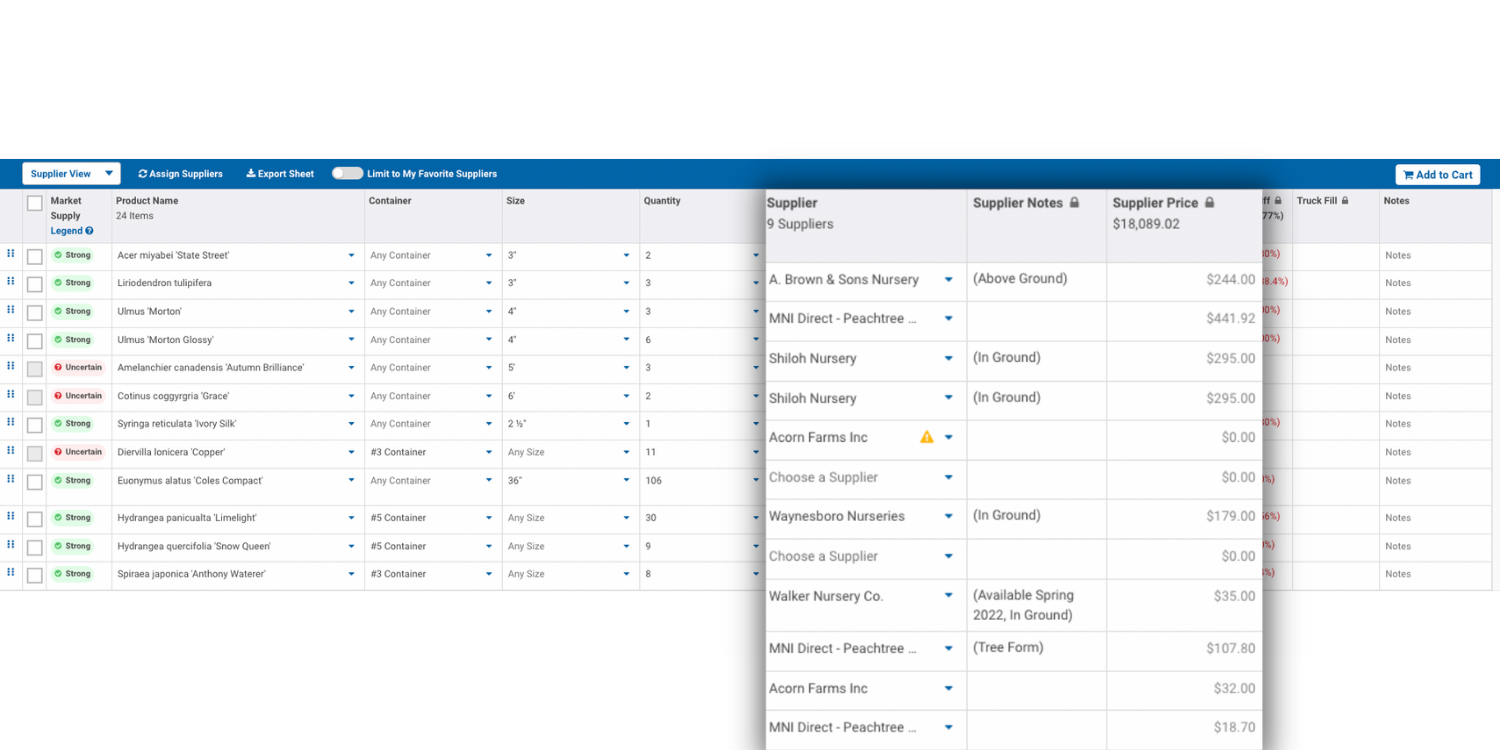
When you are in the Supplier View, items are sorted by suppliers that you selected for your products. You will see pricing that comes directly from those suppliers and any additional notes on products from the suppliers selected would also be listed.
When you select the Market View on HubSheets, the pricing shown is the estimated price based on the median market price that is currently available on LandscapeHub and displaying pricing information ranging from lowest to highest pricing. Estimated totals for each product by package and size are based on the current pricing of supplier availabilities.
|
|
